Free Online Chess Clock

A professional chess timer with Fischer increment, Bronstein delay, and you can set your own time controls. Great for blitz, bullet, and rapid matchups. No registration needed.

100% Free
No Registration
Browser Based
Player 1 (White)
05:00
Waiting
Player 2 (Black)
05:00
Waiting

Clock Settings

⌨️ Keyboard Shortcuts
SPACE Start / Switch
R Reset Clock
P Pause / Resume
← → Switch Players

Why Choose Our Chess Clock?

Designed for serious chess players with professional features and reliability

Multiple Time Controls

Fischer increment, Bronstein delay, and simple countdown modes for all game types.

Accurate Timing

Highly accurate and responsive timing with smooth display updates and reliable performance.

Fully Responsive

Works perfectly on desktop, tablet, and mobile with large touch-friendly controls.

Keyboard Shortcuts

Quick access with space bar for switching, R for reset, and arrow keys for control.

Dark Mode

Eye-friendly dark theme that automatically saves your preference across sessions.

Sound Effects

Optional click sounds and timeout alerts help you stay focused during gameplay.

How to Use the Chess Clock

1

Choose Time Control

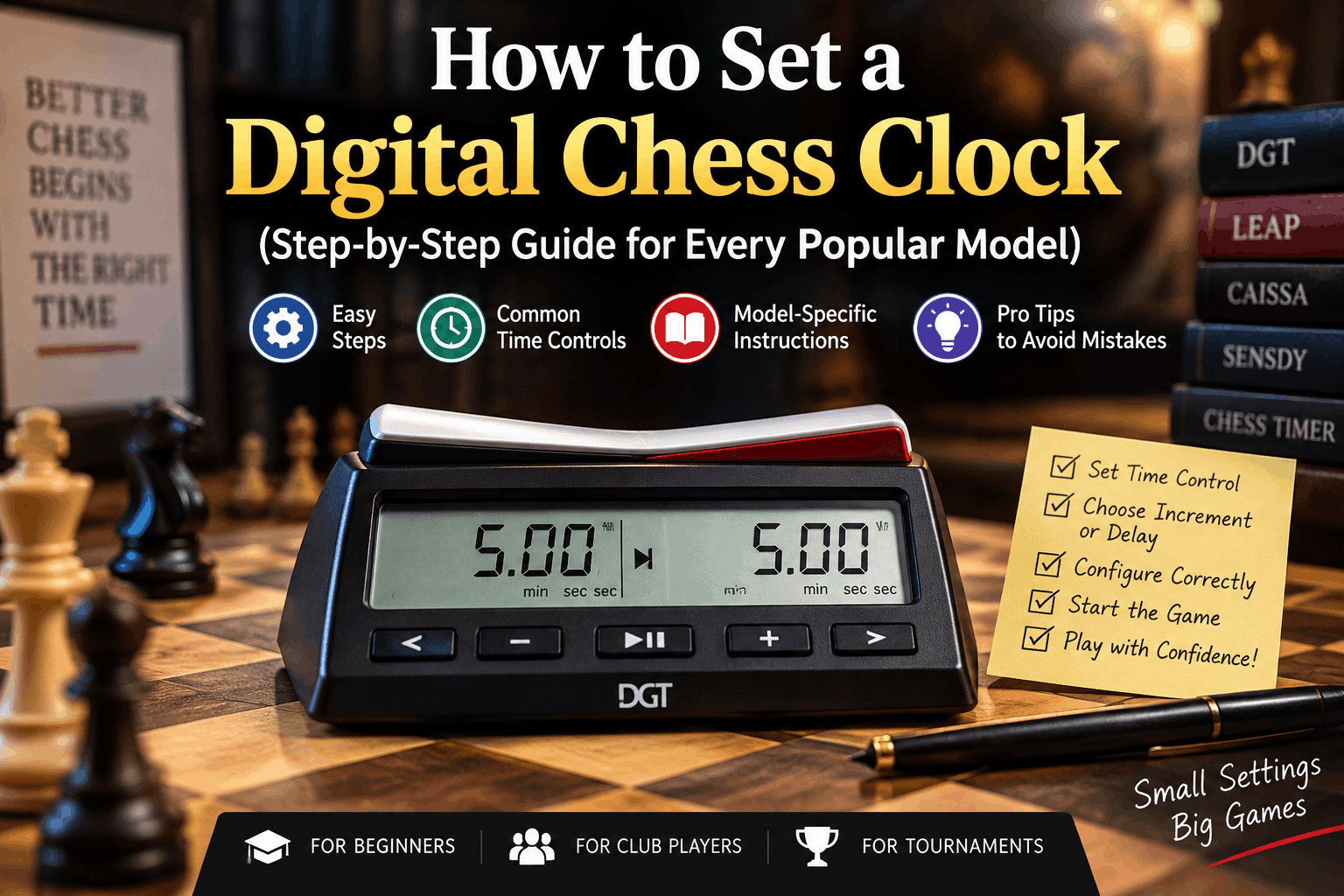
Choose a preset (Bullet, Blitz, Rapid) or enter custom time and increment values. Select Fischer, Bronstein, or Simple mode.

2

Start the Game

Click the start button or tap SPACE. Player 1 (White) starts first. The active player's clock will be highlighted.

3

Switch After Each Move

After making your move, click your clock or press SPACE. Your timer will pause, and your opponent's timer will automatically start.

4

Game Over

When a player's time runs out, the clock stops and shows a timeout alert. Click the reset button to start a new game.

What is a Chess Clock?

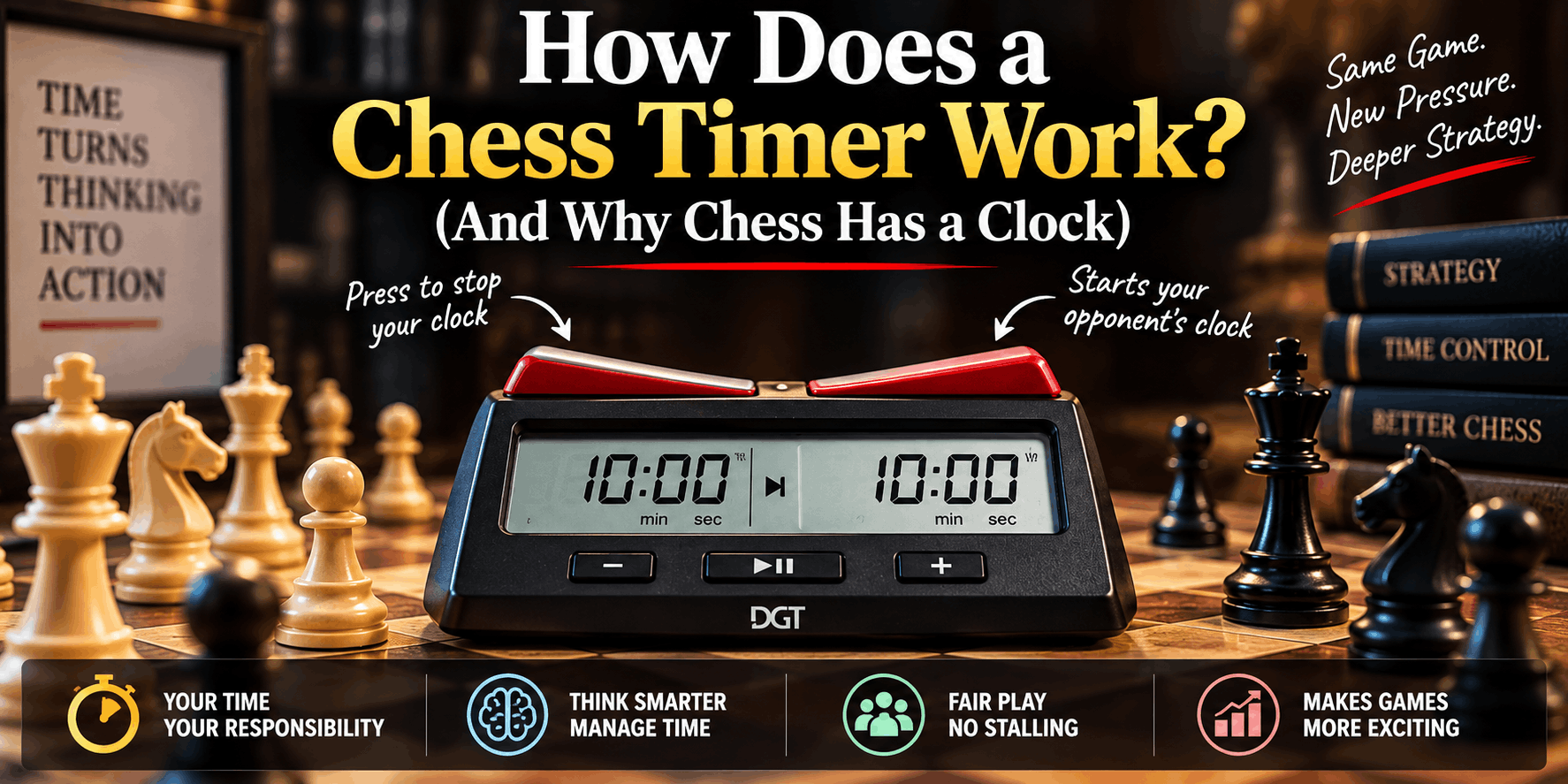
A chess clock is basically a device used to count, and keep track of, how long each player is thinking during a chess game. Each side has its own timer , and once you make a move, you hit the clock to stop your own timer and begin counting for your opponent.

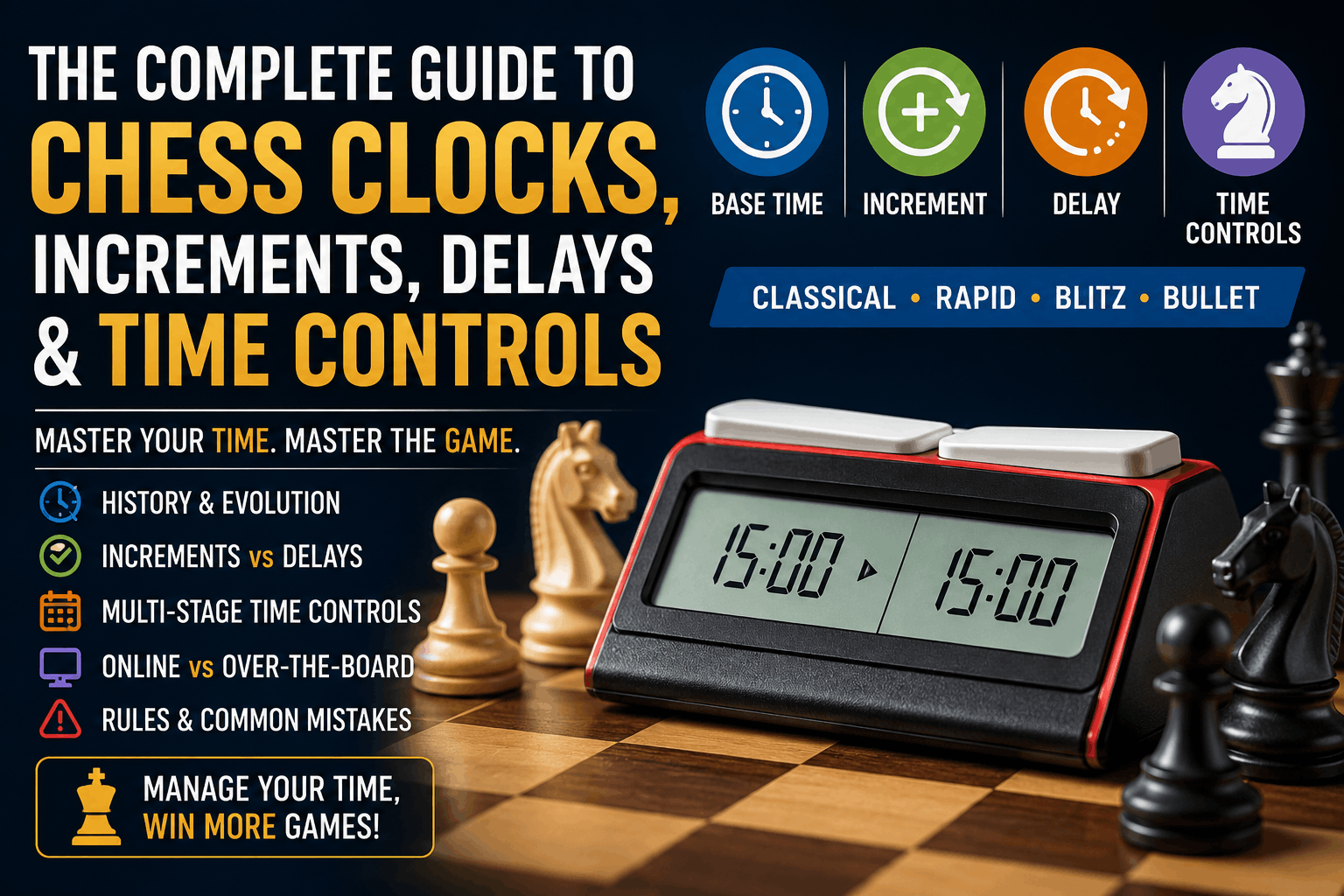
Nowadays, modern digital chess clocks, including our online version, bring extra options like time increments (Fischer mode) and delay periods (Bronstein mode) so the whole thing stays fair for time based games. Honestly these settings matter a lot whether you are in a tournament setting or just playing casually online.

Understanding Time Control Modes

Fischer Increment

Named after Bobby Fischer, this mode adds a certain amount of extra time to your clock after every single move, kinda like a small cushion. For example, in a 3+2 game you begin with 3 minutes and you pick up 2 bonus seconds each time you make a move. It helps keep the match from crashing into those wild time scrambles, and it also honors precise, fast play.

Bronstein Delay

Invented by Grandmaster David Bronstein, this mode delays the start of your main countdown on each turn. If you make your move within the delay period, no time is subtracted from your main clock. This is especially helpful for preventing time losses when making obvious, simple moves.

Simple Countdown

The classic mode where each player is given a fixed number of minutes for the entire game. There are no delays or increments—just a pure countdown. This is the most straightforward format, perfect for casual games or training.

Common Chess Time Controls

Different time controls completely change the pace and strategy of a chess game. The most popular formats include:

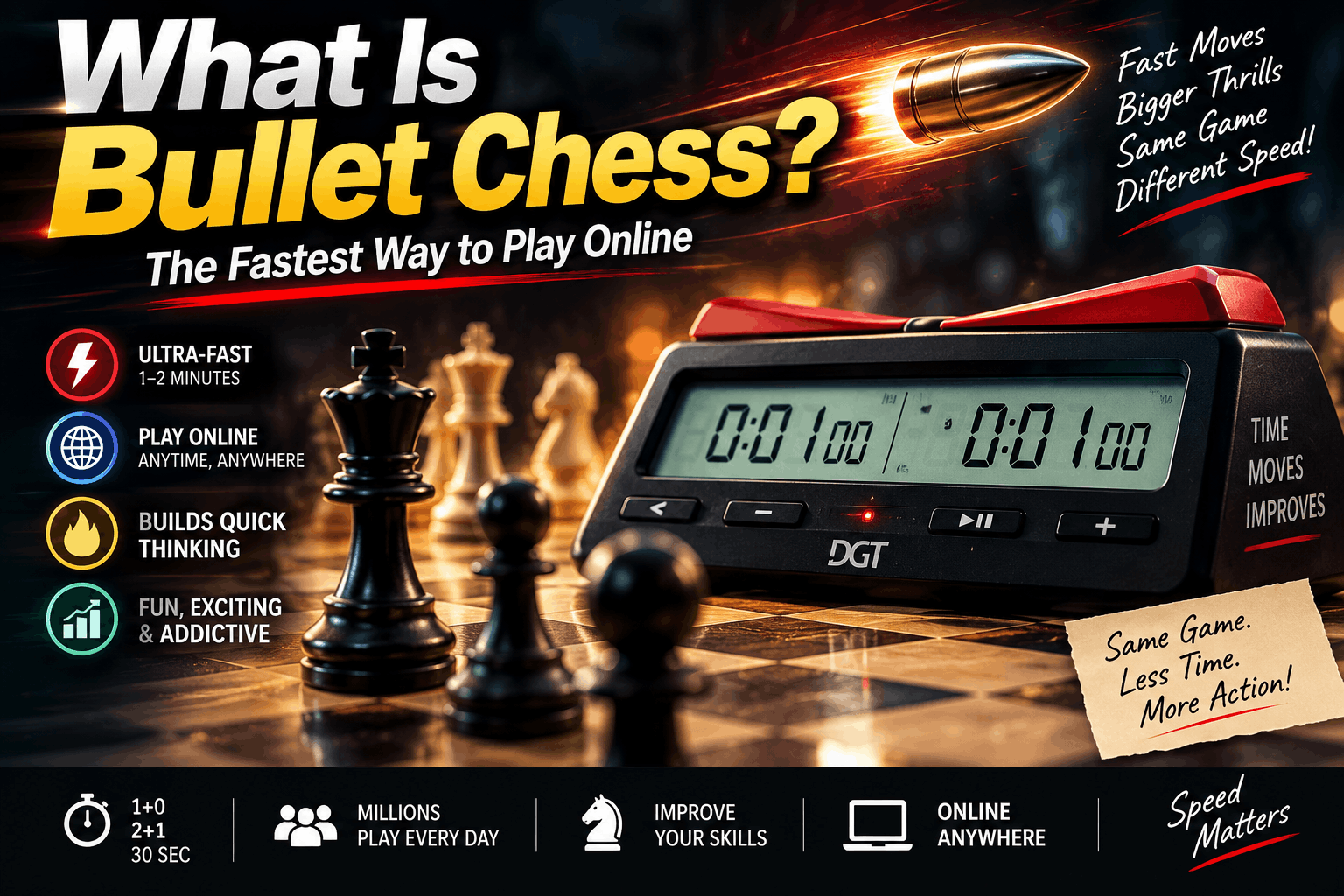
  • Bullet (1+0, 2+1): Ultra-fast games lasting 1-3 minutes. Tests reflexes and intuition.
  • Blitz (3+0, 3+2, 5+0, 5+3): Fast-paced games of 3-10 minutes. A great balance of speed and tactics.
  • Rapid (10+0, 15+10, 25+10): Moderate speed games of 10-30 minutes. Allows time for deeper calculation.
  • Classical (30+ minutes): Slow games allowing thorough analysis. Used in serious, official tournaments.

Tips for Using a Chess Clock

  1. Try to Press Like You Mean It: Get used to doing your move and hitting the clock in one smooth motion, like it’s one single action.
  2. Keep Track of Both Timepieces: Always watch your opponent’s time too , not just yours, so you can steer the tempo better.
  3. Don’t Shoot Through the Easy Stuff: Even in bullet style matches, take a quick beat, double check the obvious move, and sidestep blunders that feel “too simple.”
  4. Handle Your Minutes Smart: Put your thinking energy where it counts most—give extra seconds or minutes to the tangled, key positions.
  5. Use Keyboard Shortcuts: If you’re playing online, pressing the spacebar is usually faster than clicking around with a mouse, so use it when you can .

Why Use an Online Chess Clock?

I mean, online chess clocks come with a bunch of practical perks compared to the physical kind. For one, they are completely free, easy to reach from any device, and they’re there 24/7. No fuss, no setup no registration really—just open your browser and you’re good to go.

Also the timing is super precise, plus you get customizable time controls, little sound effects, and it can even detect a timeout on its own. So it’s basically a useful instrument for rehearsal at home, casual matches with friends, or coaching students, when you want them to learn how to pace their turns in chess.

Frequently Asked Questions

Ready to Improve Your Chess?

Start using our professional chess clock today and take your game to the next level