Most players don't struggle with the clock. They struggle with the manual. You open a 40-page booklet in six languages, find a table of 30 numbered "modes," and suddenly a 5-minute job turns into a pre-game panic.
Here's the good news: every digital chess timer on the market asks you the same four questions in the same order. When you have the four questions figured out, you can set any clock you take home. That includes a model you have never used before.
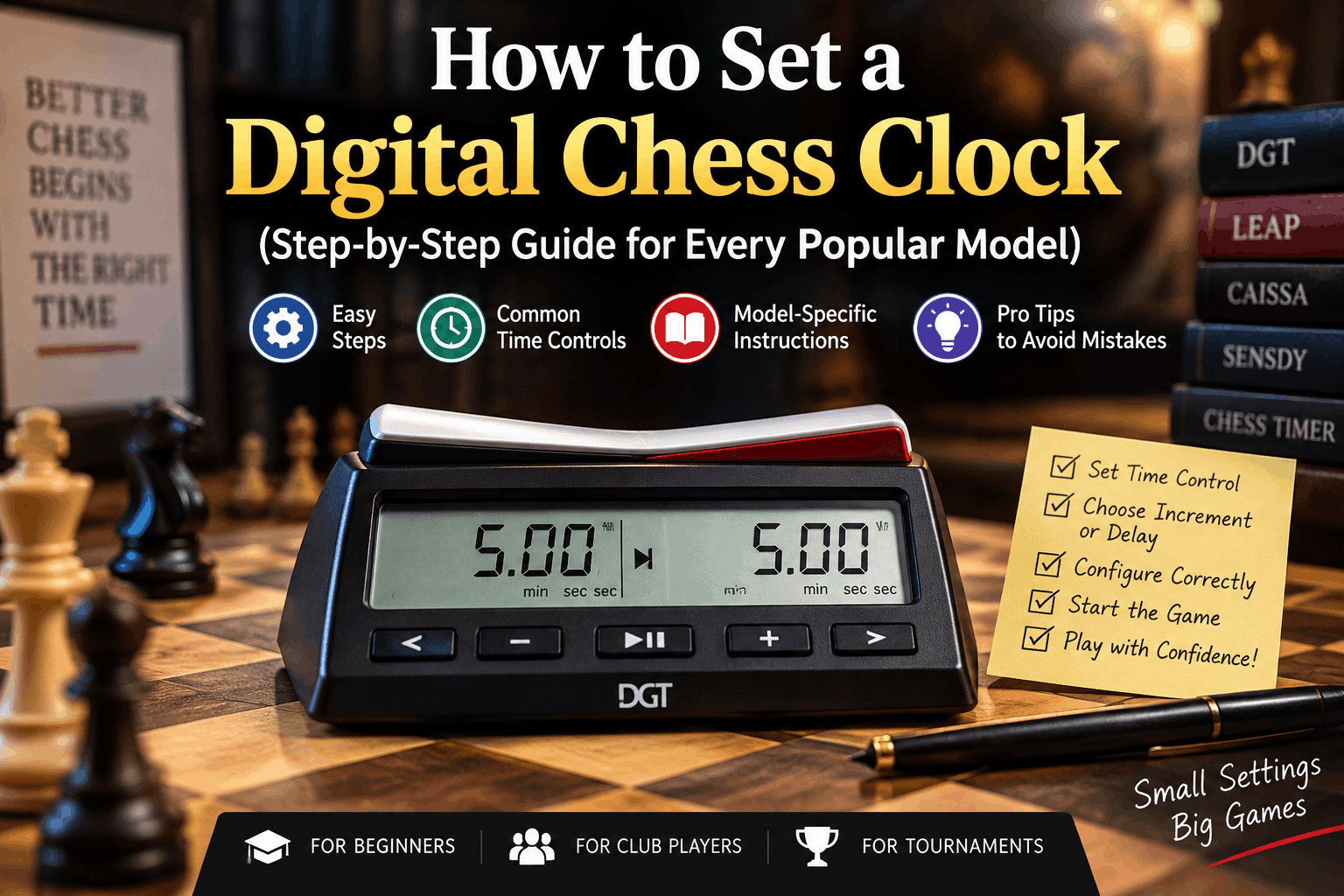
I show you the common method first. After that, I list the exact button steps for the types of clocks most people end up buying.
Before You Touch a Single Button: Know Your Time Control
Setting the clock takes two minutes. Choosing a time control can take about ten seconds. Still, people rush and miss it, and then things fall apart.
Look at the pairing sheet or ask your club organiser. You may see a line like G/90 +30 or G/25 d5. Read it like this:
- G/90 means each player has 90 minutes total for the full game.
- +30 means you get 30 extra seconds after each move. It is the Fischer bonus. Those 30 seconds get added to your clock after every move you complete.
- d5 means a 5-second delay. The clock waits 5 seconds before it starts eating your main time. You never bank the unused seconds.
That difference matters more than beginners expect. With increment, a disciplined player can survive an endgame forever. With delay, your main time only goes one direction: down.
There's a third system you'll meet on European clocks: Bronstein delay. It gives back the time you actually used, up to the delay limit, so it behaves like delay but displays like increment. If your arbiter says "Bronstein," don't substitute Fischer increment. They're not the same thing in a time scramble.
Quick rule: US Chess events lean toward simple delay. FIDE-rated events almost always use increment. When in doubt, ask the arbiter before round one, not after your flag falls.
The Universal 6-Step Method
Ignore the mode numbers for a second. Underneath the branding, here's what every digital clock wants from you:
- Power on. The switch is almost always on the underside of the unit, not the face.
- Enter setup mode. Look for a button marked
SET,MODE,S, or a gear icon. On most clocks you hold it for two seconds rather than tapping it. - Pick a timing system. Countdown only, Fischer bonus, simple delay, Bronstein, or multi-period.
- Enter the main time. Hours, then minutes, then seconds, one digit at a time. Use
+/-to change the value and aNEXT/OK/ arrow key to move along. - Enter the bonus or delay seconds. This is where people slip. If you're setting a delay, leave the bonus field at
0. If you're setting increment, leave the delay field at0. Filling in both gives you a clock that behaves like neither. - Confirm, then arm the clock. Raise the lever (or check the arrow) on White's side, so Black's button is the one standing up. Press the centre button to start Black's… wait. Read the next section, because this single step causes more arguments than any other.
The Lever Rule Nobody Explains Properly
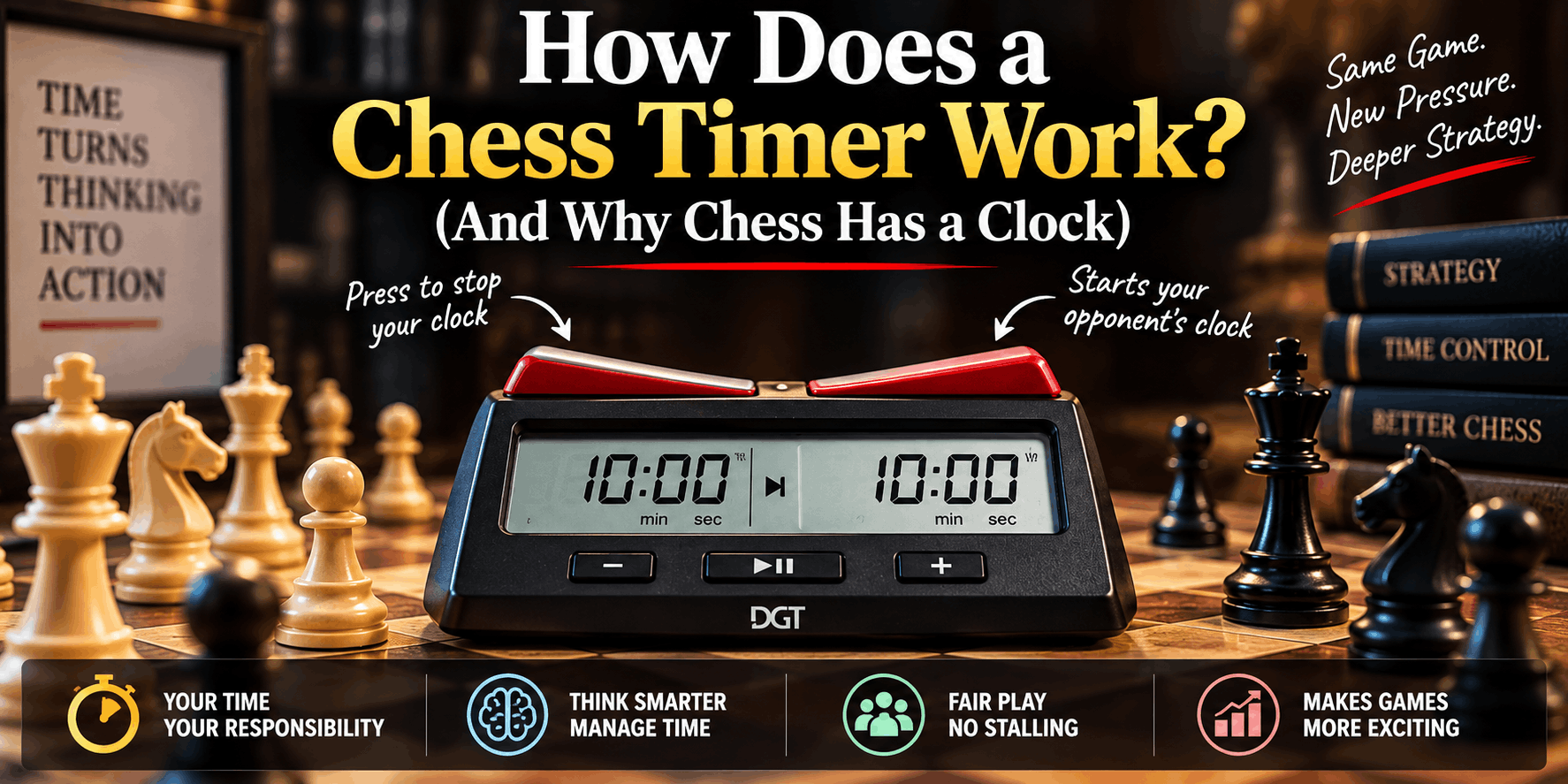
Here's the confusion: the player whose side is up is the player whose clock is stopped.
White moves first, so White's timer must be the one running once the game begins. That means White's lever sits up before the first move, White plays, White presses their own button down, and Black's clock starts.
If you set up the clock and White's time isn't moving after White's first press, you have the lever backwards. Fix it before move two, not on move thirty.
Setting Common Time Controls (Copy These Exactly)
| Time Control | Main Time | Bonus (Increment) | Delay | Typical Use |
|---|---|---|---|---|
| Bullet 1+0 | 1:00 | 0 | 0 | Online-style speed games |
| Blitz 3+2 | 3:00 | 2 sec | 0 | Club blitz nights |
| Blitz 5+0 | 5:00 | 0 | 0 | Casual park chess |
| Rapid 15+10 | 15:00 | 10 sec | 0 | FIDE rapid standard |
| G/30 d5 | 30:00 | 0 | 5 sec | US Chess quick events |
| G/90 +30 | 1:30:00 | 30 sec | 0 | FIDE classical standard |
| 40/90 +30, then 30 +30 | Two periods | 30 sec | 0 | Norm and open events |
That last row is the one that needs a multi-period clock. Budget timers with a single time control physically cannot do it, no matter which mode you choose.
Model-Specific Setup Instructions
DGT North American (and DGT 2010 / Chess Evolution twins)
This clock ships with roughly 22 to 30 preset options, and the list is printed on a sticker on the base. Read that sticker first, because preset numbers shift between production runs.
- Switch on using the button underneath.
- Use
+/-to scroll to the mode number matching your time control. Delay-based modes and increment-based modes sit in different blocks of the list. - Press the arrow (or
check) key to open that mode for editing. - Enter the main time digit by digit. Set hours, press
check, set minutes, presscheck, then step past the seconds fields. - Enter the bonus or delay seconds in the field that appears next.
- Press the centre button to lock it in, raise White's lever, and you're ready.
Two warnings from experience. The screen sometimes shows the word "bonus" while you're still entering seconds of main time, which fools almost everyone the first time. Also, the clock begins by counting the first step right away. So if the game is set for 30 minutes and you add a 5 second bonus, the timer will show 30:05.
Mode 00 is the manual option. Set it one time, then you do not need to search the preset list again.
DGT 3000 / DGT Easy Plus
The 3000 is the FIDE workhorse, and it's genuinely simpler than its reputation.
- Hold the
<and>keys or use the dedicated menu button to enter the option list. - Scroll to the timing option you want, confirm, then step through each field with the arrow keys.
- The 3000 shows the timing system name in plain words on screen. If it says "Fischer," you're in increment. If it says "Bronstein," you're not.
- Look for the freeze setting. Tournament rules usually want freeze off, so the clock shows who flagged first.
LEAP PQ9907S / PQ9903A / DT Series
LEAP clocks use a hold-to-enter setup instead of preset browsing on some models, which is faster once you know it.
- Turn on. Do not start the timer.
- Hold the setting key for about two seconds. The display enters edit mode and pauses the clock.
- Set the left side's hours, minutes and seconds, then the bonus seconds, then the delay seconds.
- The right side usually copies the left automatically. If your event uses handicapped times, edit it separately.
- Hold the setting key again for two seconds to exit.
Two things worth knowing. Many LEAP models add the increment before your move rather than after, which is why they aren't FIDE-certified. And most of them don't freeze when a flag falls. For club play that's fine. For rated play, check with your arbiter.
Chronos (GX / Classic / Blitz)
The Chronos feels a bit scary at first. The buttons do not say what you might guess. Still, it keeps the best time in this room.
- To get to the mode list, press - and + at the same time. Or start the firmware setup using the specific sequence made for it.
- Modes are grouped by family:
DLfor delay,BEfor bonus,SDfor sudden death. - Pick the family, then pick the variant number, then enter the values.
- Use the touch-sensor version carefully. It registers a feather-light contact, which is wonderful in blitz and awful when you rest your hand on it.
ZMF-II and VTech-Style Budget Clocks
These usually give you a handful of numbered programs and nothing else.
- Cycle to the program number using the mode key.
- Enter the time values.
- Confirm and play.
If the system only allows one time setting, do not push it into a 40-move switch, then sudden death. Use a second clock instead. Or change the times by hand when you reach the control, with the arbiter there to watch.
Five Setup Mistakes That Cost Real Games
1. Entering the delay in the bonus field. The clock accepts it happily. You just spend the game gaining time you weren't supposed to have, and a sharp opponent can have the result adjusted.
2. Leaving the alarm on. A beeping clock in a silent tournament hall makes you very unpopular. Most clocks have a sound toggle buried in the last setup screen.
3. Forgetting the clock remembers. Almost every digital timer restores its last-used setting on power-up. Check the values before round two instead of assuming they carried over correctly from a friend's blitz session.
4. Starting the wrong side. Covered above, and still the number one arbiter call at club level.
5. Dying batteries. A weak battery causes flicker, drift, and spontaneous resets mid-game. Swap the cell before an event rather than during one.
Mid-Game Pausing, Correcting and Resetting
You can pause the clock, but only for a valid reason: an arbiter is called, an illegal move dispute or a damaged position. Search for a PAUSE or centre key which will stop both sides.
There is another matter altogether when it comes to correcting time. Most clocks allow the remaining time to be adjusted during a pause; when applying a two minute penalty for an illegal move, an arbiter would use this feature of most clocks. As a player, don't interact with that function. Let the arbiter make the call.
Completely reset: Press the on/off button for several seconds or power off. If your clock has memory slots, search for L (load) and S (save) to ensure that you can control time as per the club's standards with a single key stroke each week.
So, which clock should you go for?
If you're just a casual player, a sub-$30 LEAP or ZMF will suffice, and slip into a jacket pocket.
For those who participate in rated events, purchase a clock that has more than one time setting, has a freeze option, and can be read in poor lighting with a sticker. DGT North America versions are for US Chess delay formats, while the DGT 3000 versions are for FIDE increment formats.
The Chronos remains the benchmark for serious blitz even 20 years after its release due to the quick response time of the buttons.
Frequently Asked Questions
What's the difference between delay and increment on a chess clock? Delay pauses the countdown for a set number of seconds each move, and unused seconds are lost. Increment adds a set number of seconds to your remaining time after every completed move, so time can accumulate.
Which side of the clock should be up before the game starts? White's side. The raised lever belongs to the player whose clock is currently stopped, and White's timer needs to run from move one.
Why does my clock show more time than I set? Fischer increment clocks often add the first bonus to the starting time. A 30-minute game with a 30-second increment will display 30:30.
Can I change the time in the middle of a game? Only with the arbiter's involvement. Pause the clock, call the arbiter, and let them apply any correction so the result stands up to a protest.
Do digital chess clocks work for other games? Yes. Go, shogi, Scrabble and Chinese chess all use the same timers, and mid-range models include byo-yomi mode specifically for Go and shogi.
Next, get the rest of your setup right: the way you use the clock in the last thirty seconds matters more than the way you programmed it. Bring your own clock to the next event. The player who supplies the equipment sets the standard, and the player who knows the settings never starts a game arguing about them.